
Criminal Cases in the Jefferson County Courts
Jefferson County is county 33 in Pennsylvania's 54th Judicial District. A criminal complaint begins before one of three magisterial district judges. The MDJ handles the preliminary arraignment, bail, and preliminary hearing, as well as traffic and non-traffic summary matters. A felony or misdemeanor that is held for court moves to the Court of Common Pleas of Jefferson County. Its criminal docket uses the form CP-33-CR followed by a sequence and year. That prefix identifies the court file, not the police report or jail booking.
Clerk of Courts Kayla Kromer maintains Jefferson County Common Pleas criminal files at 200 Main Street in Brookville. The office answers criminal-file questions at 814-849-1607 during the county's normal weekday hours, 8:30 a.m. to 4:30 p.m. A case that has not yet been held for court may still belong to the assigned MDJ, so calling the clerk alone can miss the preliminary record. The Pennsylvania Clerks of Courts directory documents the clerk channel shown here.
The official Clerks of Courts directory also provides a useful view of the statewide clerk system.
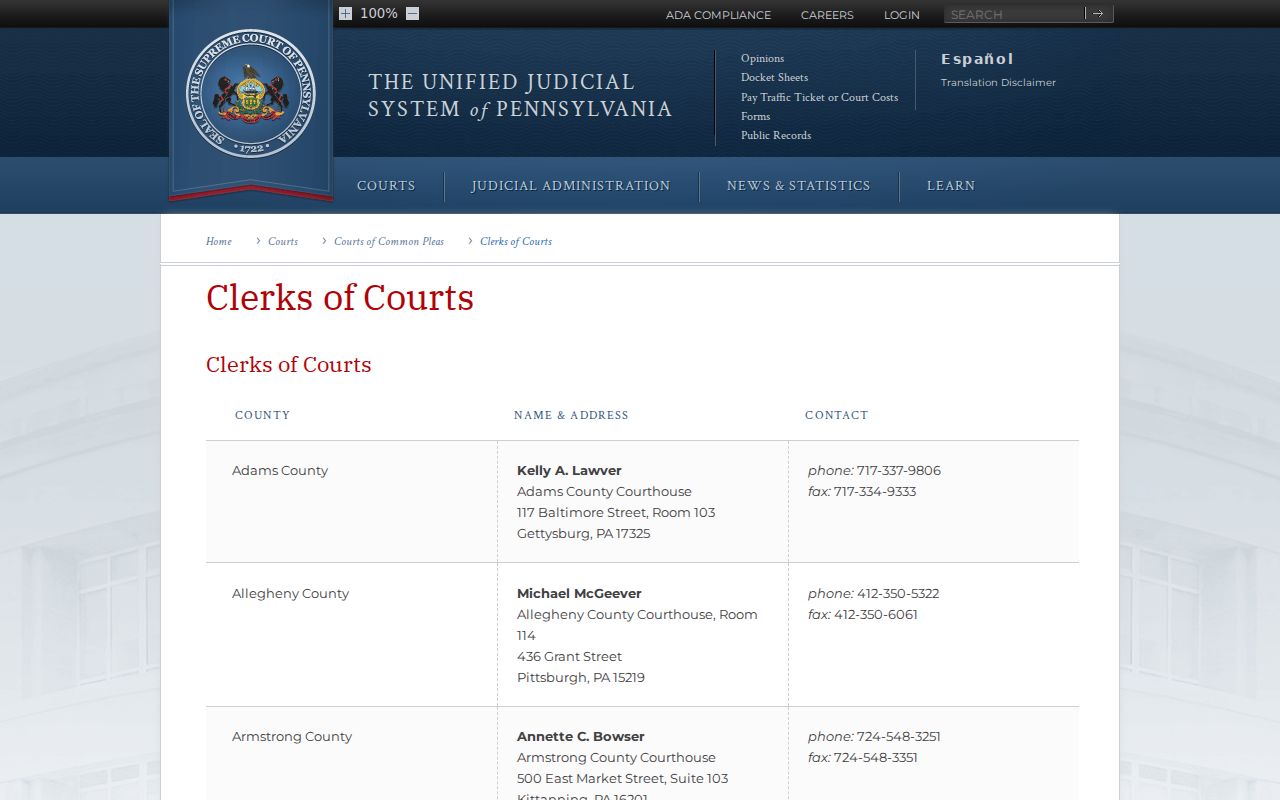
That source confirms why Common Pleas copies and certifications belong with the clerk rather than the sheriff.
Jefferson County Docket Numbers Explained
A docket number is the safest way to separate people with similar names. CP-33-CR identifies a Jefferson County Common Pleas criminal prosecution. MDJ records use the number of the district office that handled the complaint. Punxsutawney matters generally begin at 54-3-01, Reynoldsville matters at 54-3-02, and Brookville-area matters at 54-3-03. A summary appeal in Common Pleas uses a different docket type from an original criminal prosecution, while a miscellaneous docket may concern bail review, contempt, or a related proceeding.
The Offense Tracking Number, or OTN, links the fingerprint-supported arrest cycle with later court reporting. A police incident or complaint number belongs to the originating agency. When both appear, use the docket for the judicial history and the OTN to follow the same arrest cycle across stages. The UJS case-information page distinguishes public docket products, secure products, calendars, and the PAeDocket app.
The UJS product panel shows that a free public sheet is not the same as an authorized secure record.
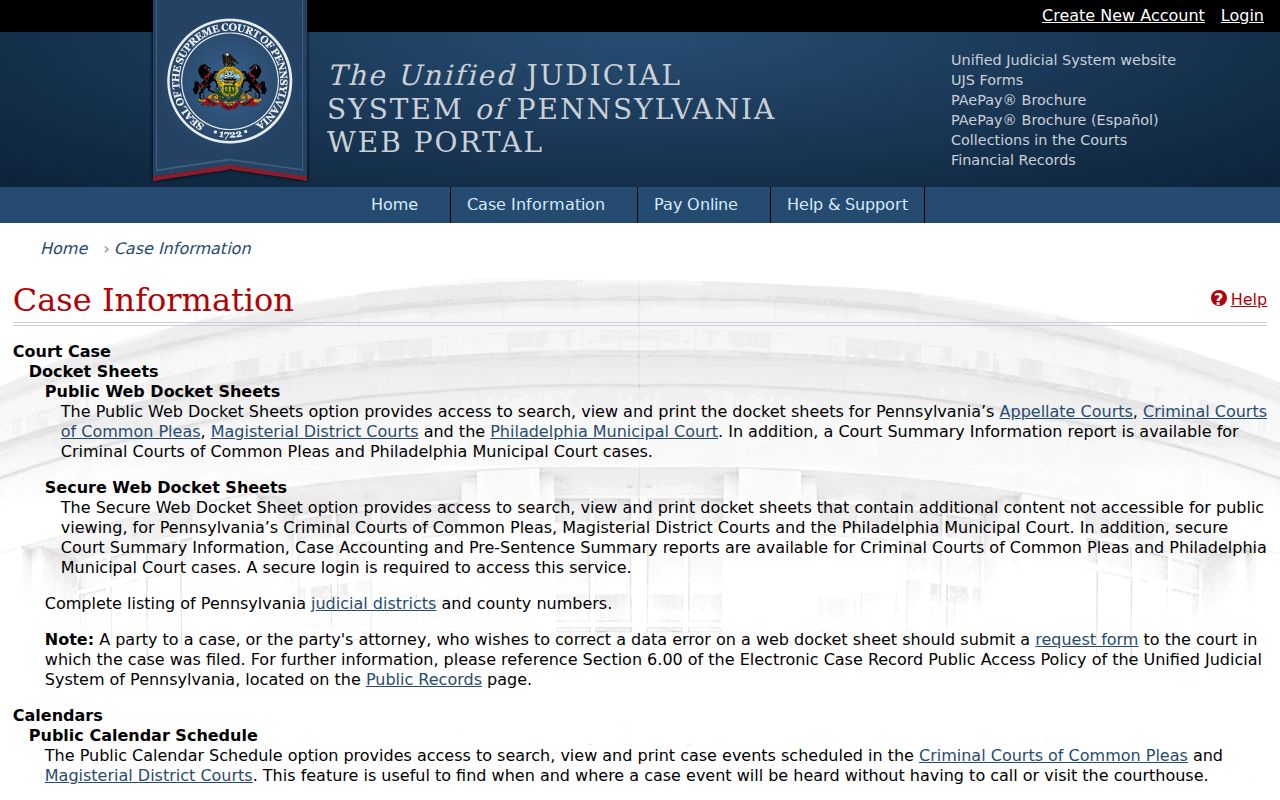
This distinction prevents a public search from being mistaken for access to every protected field.
How to Search Case Records
The free UJS Case Search is the main online channel for Jefferson County criminal court cases. Public docket sheets require no account. Search both Magisterial District and Court of Common Pleas because a recent complaint may not yet have a CP-33-CR file. A known docket, OTN, SID, or complaint number is stronger than a name alone. When a name is all that is known, try sound spelling variants and confirm the filing court and dates before treating a result as the right person.
- Open UJS Case Search and choose Magisterial District or Court of Common Pleas.
- Select Jefferson County and the criminal docket category that fits the procedural level.
- Enter a participant name or a known docket, OTN, SID, or police complaint number.
- Open the docket sheet and compare court, filing date, OTN, charges, and status.
- Ask the assigned MDJ or Clerk of Courts for paper copies or certification that the public sheet does not supply.
| Field Label | Type | Required | Notes |
|---|---|---|---|
| Search Type | Dropdown or tabs | Yes | Participant, docket, organization, OTN, complaint number, or SID |
| Court Type | Dropdown | Yes | Choose Common Pleas or Magisterial District for local cases |
| County | Dropdown | Conditional | Select Jefferson |
| Docket Type | Dropdown | Conditional | Criminal, Summary Appeal, Miscellaneous, Traffic, or Non-Traffic |
| Participant Name | Text | Conditional | Try separate spelling variants |
| Date Filed | Date range | No | Narrows broad name results |
| Docket, OTN, SID, or Complaint | Text | Conditional | Use the exact identifier when known |
Three Jefferson County MDJ Case Entry Points
Jefferson County's lower-court geography matters. MDJ 54-3-01 is at 222 North Findley Street, Suite 110, Punxsutawney, and can be reached at 814-938-9381. MDJ 54-3-02 is at 453 East Main Street in Reynoldsville, 814-653-9611. MDJ 54-3-03 is at 182 Main Street in Brookville, 814-849-3673. These offices hold paper materials for preliminary criminal proceedings and summary matters within their districts.
If a broad county search fails, change the UJS court type to Magisterial District and use the exact local district when known. Contact that office for an older or omitted paper file. Once charges are held for court, switch to Common Pleas and look for CP-33-CR. A public calendar may help locate an upcoming event, but it cannot replace the docket sheet. The official UJS search help explains the available search modes and troubleshooting steps.
The UJS help screen is the best official fallback when a field or result behaves in an unexpected way.
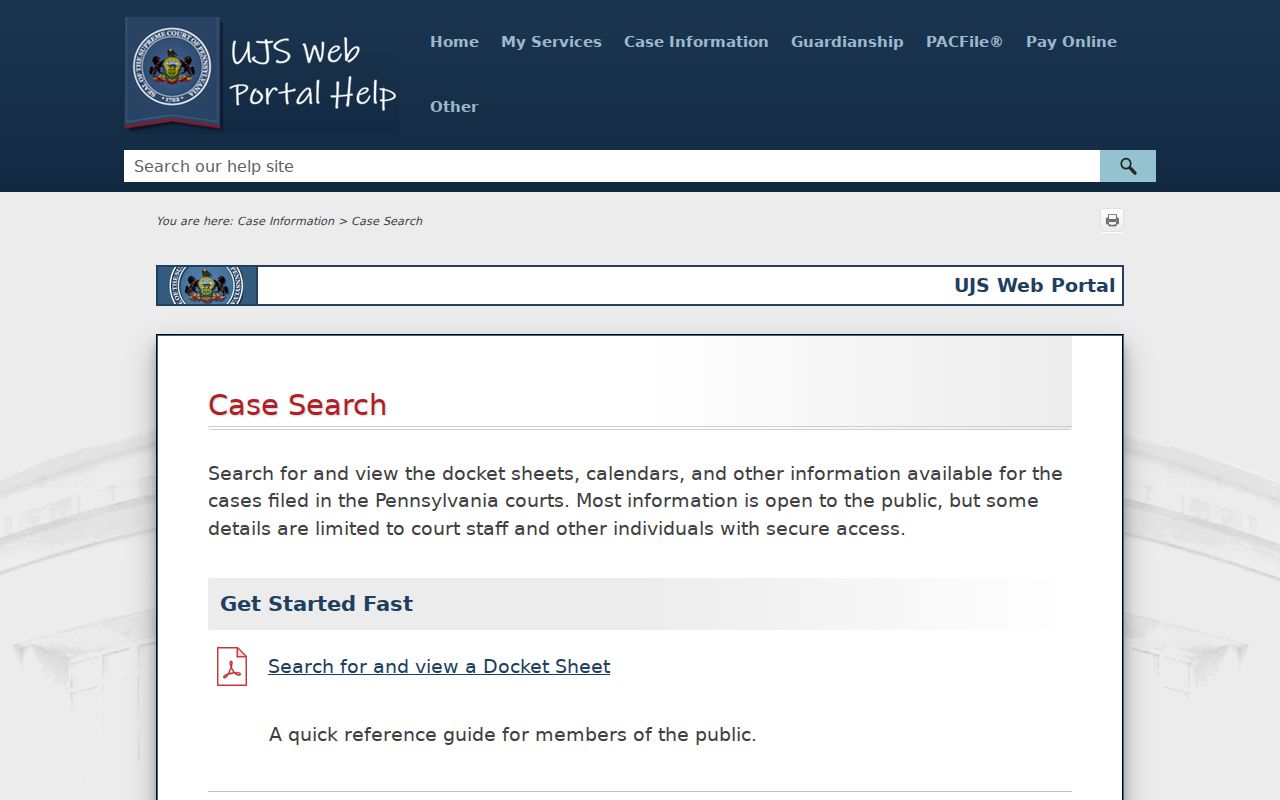
It supports a more careful search before the reader calls the filing court.
What the Case File Shows
A Jefferson County public docket is an index and procedural history. It can show how charges were filed, changed, resolved, and sentenced. It does not promise a downloadable image of the complaint, exhibits, motions, or every order. The filing court holds those underlying materials. A certified disposition or a specific filed document therefore requires a clerk or MDJ request, even when the docket itself is free online.
| Case Number & Court | Identifies the filing level, Jefferson County, sequence, year, and caption. |
|---|---|
| Charges | Lists offense description, statute subsection, grade, sequence, and disposition. |
| Docket Entries | Tracks complaints, arraignments, hearings, filings, motions, pleas, trial events, and sentencing. |
| Bail & Calendar | May show bail type, amount, action history, event dates, judge, and location. |
| Disposition | States how each filed count ended, including plea, trial result, dismissal, or withdrawal. |
| Sentence & Financials | May show sentence terms, supervision events, assessments, payments, and balance. |
Jefferson County Criminal Case Copy Channels
Online results are the first layer, not the complete case file. Call the Jefferson County Clerk of Courts at 814-849-1607 for Common Pleas copies or certification. Call the assigned MDJ for preliminary records. Court Administration at 814-849-1631 handles scheduling, administrative questions, and advance accommodation requests. No current official Jefferson County fee schedule for criminal-file copies or certification was located, so ask the custodian for the cost before ordering.
Visitors to 200 Main Street use one public courthouse entrance. The Sheriff's Office says each visitor passes through a magnetometer and packages pass through an X-ray machine. The official Jefferson County court landing page is the source lead for the local court image below.
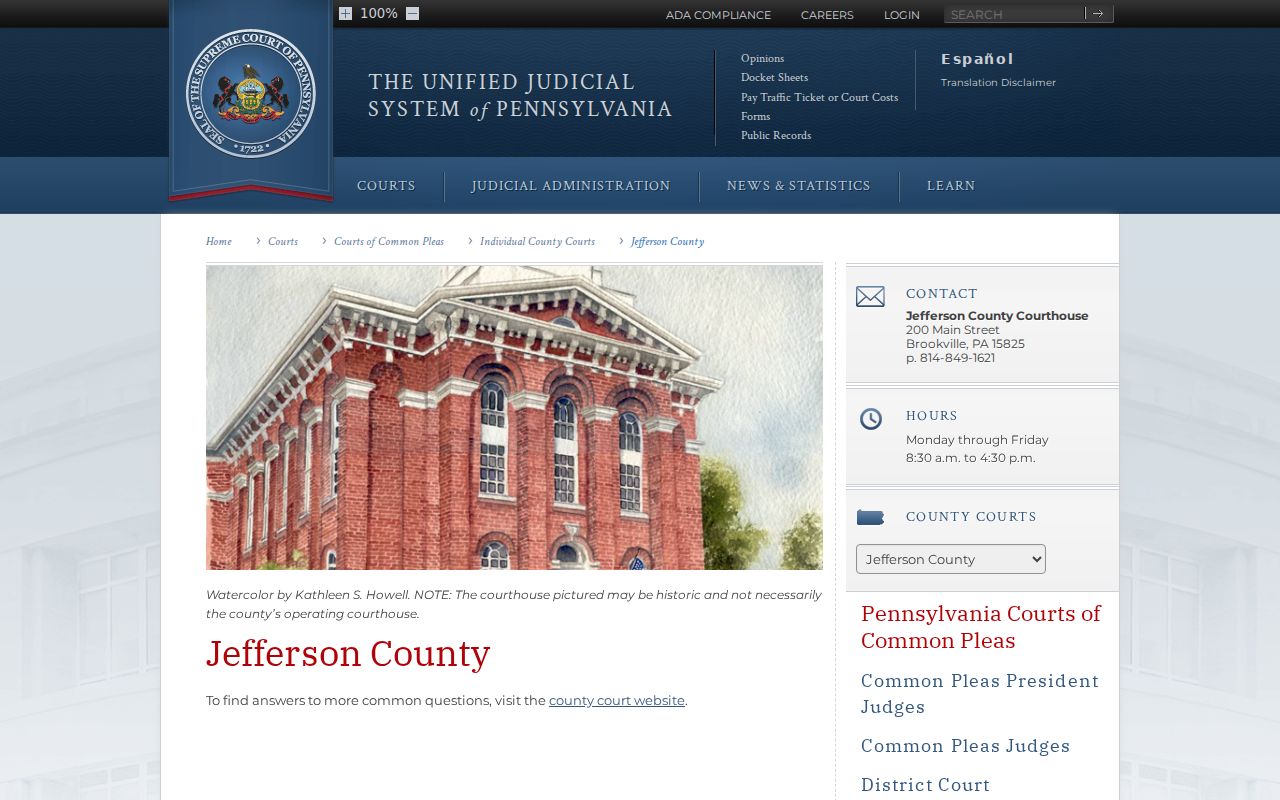
The local court page connects online case research with the correct Brookville records custodian.
Note: The county does not promise a dedicated self-service courthouse terminal, so plan to ask the clerk about inspection options.
Stages of a Criminal Case
The police incident number begins with the investigating agency. A criminal complaint then creates the MDJ court trail. At preliminary arraignment, the judge addresses bail and sets the next stage. At the preliminary hearing, charges may be held for court, changed, withdrawn, or dismissed. Held charges receive a Jefferson County Common Pleas docket, where the District Attorney manages the prosecution and the Clerk of Courts records filings and events. Plea, trial, disposition, sentence, probation, and financial entries follow when applicable.
Case flow: Charges Filed › Arraignment › Pretrial › Plea or Trial › Disposition › Sentencing
This court flow explains why a booking charge can differ from the information later filed. Readers studying the arrest event itself should consult the separate Jefferson County arrest history material, while the docket remains the best public account of the prosecution.
Reading Jefferson County Case Outcomes
Read each charge row, not merely the case status at the top. One count can be dismissed while another ends in a plea or verdict. The docket's offense description, statute, grade, and disposition show what happened to that filed count. A sentence entry records the court's order; it is not the same as the statutory maximum for the offense grade. Financial entries may also vary by what is public and posted.
An OTN helps compare the court result with PSP criminal-history data. Reporting lag can leave a repository disposition behind the docket. If the UJS display appears wrong, use the correction route referenced by UJS or contact the filing court. If the PSP record is wrong, use the PSP review and challenge process because the county court cannot directly rewrite the Central Repository merely by changing a web display.
The official court-case information guidance warns that a docket search is not a PSP background check.
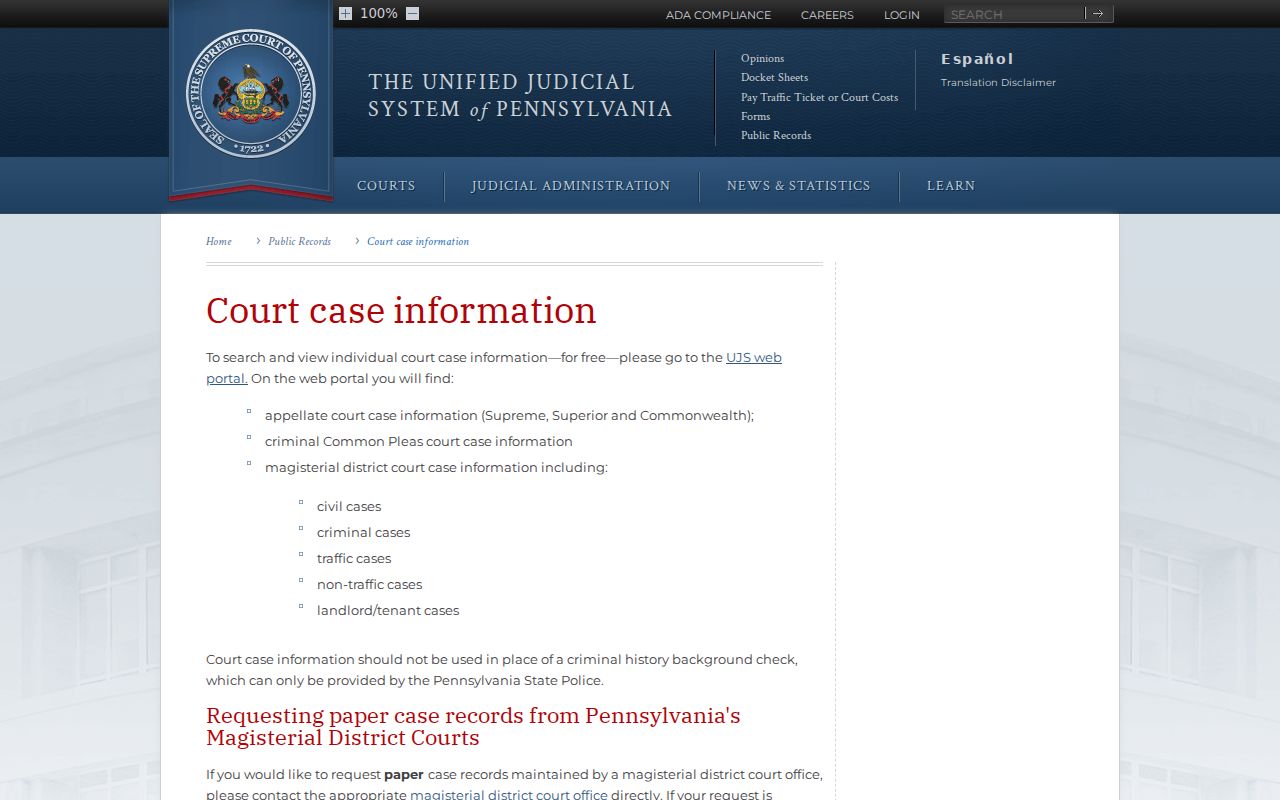
That warning keeps the judicial case history separate from a repository certificate.
Access & Restrictions
Judicial case records follow the UJS Public Access Policy and Rule of Judicial Administration 509, not the ordinary executive-agency Right-to-Know Law route. Public sheets omit protected personal identifiers and victim information where required. Juvenile, expunged, sealed, pending-expungement, Clean Slate limited-access, destroyed, and other nonpublic records may not appear. A missing result therefore does not prove the case never existed.
Ask the filing court whether a paper record is public when a valid search fails. The court can explain its custody and access rules, but it cannot disclose a sealed record merely because someone asks at the counter. The official UJS interface supplies the public search view used for Jefferson County case research.
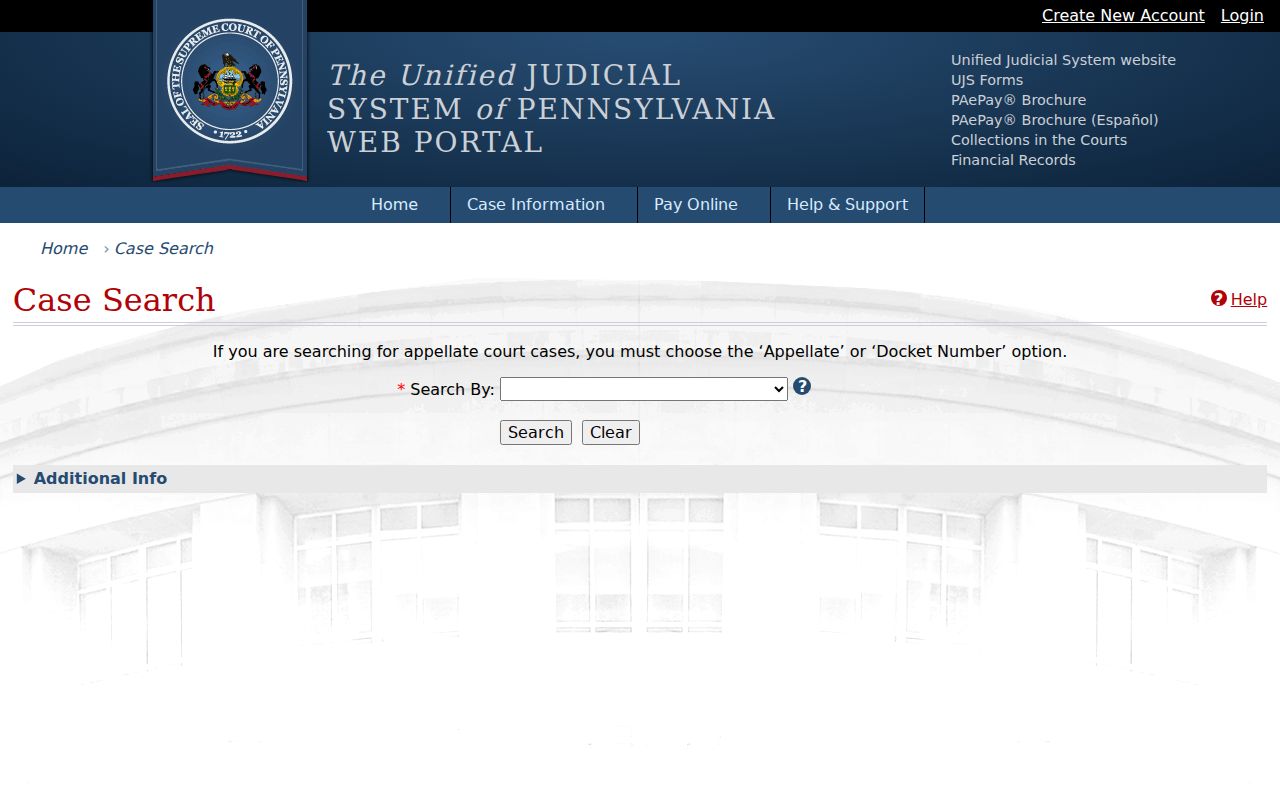
The portal is broad and free, yet the filing court remains the final source for copies and access decisions.
When a Jefferson County Case Is Missing
First, confirm the procedural level. Search the exact MDJ if the matter is new, then search Common Pleas if charges were held for court. Try a known docket, OTN, SID, or complaint number and reasonable name spellings. Check that Jefferson is selected as the county. If those steps fail, call the assigned MDJ or Clerk of Courts and describe the approximate filing date and case identifier.
A public sheet can also vanish after a lawful seal, expungement, Clean Slate restriction, or retention-based destruction. The clerk may confirm the access rule without revealing protected content. For a technical search problem, use official UJS help. For a factual web-docket error, follow the UJS correction channel. The process protects both public access and records that Pennsylvania law removes from general view.